
Make a copy of a signing package
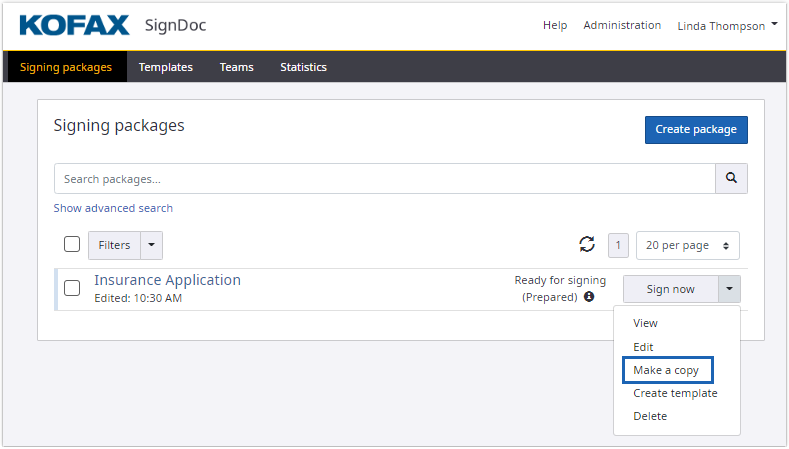
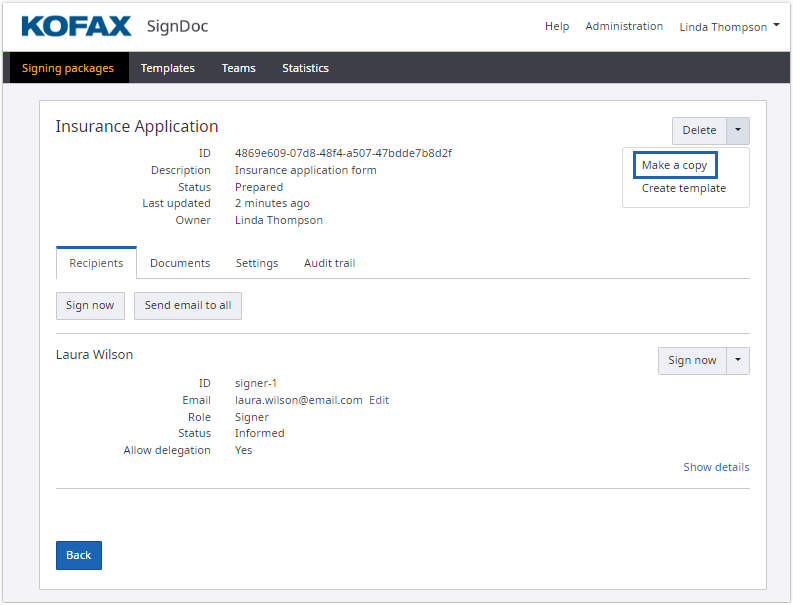
You may have a signing package that you would like to use again. In this situation, you can "make a copy" of the signing package as follows:
- Make a copy of a signing
package in the
Signing packages view.
- Make a copy of a signing
package in the
Signing package details
view.
After making a copy, the original signing package is left unchanged.
The copied signing package is reset to a new state:
- Signatures are removed, all other changes in a signing document made by recipients of the signing package are kept.
- The audit trail is cleared.